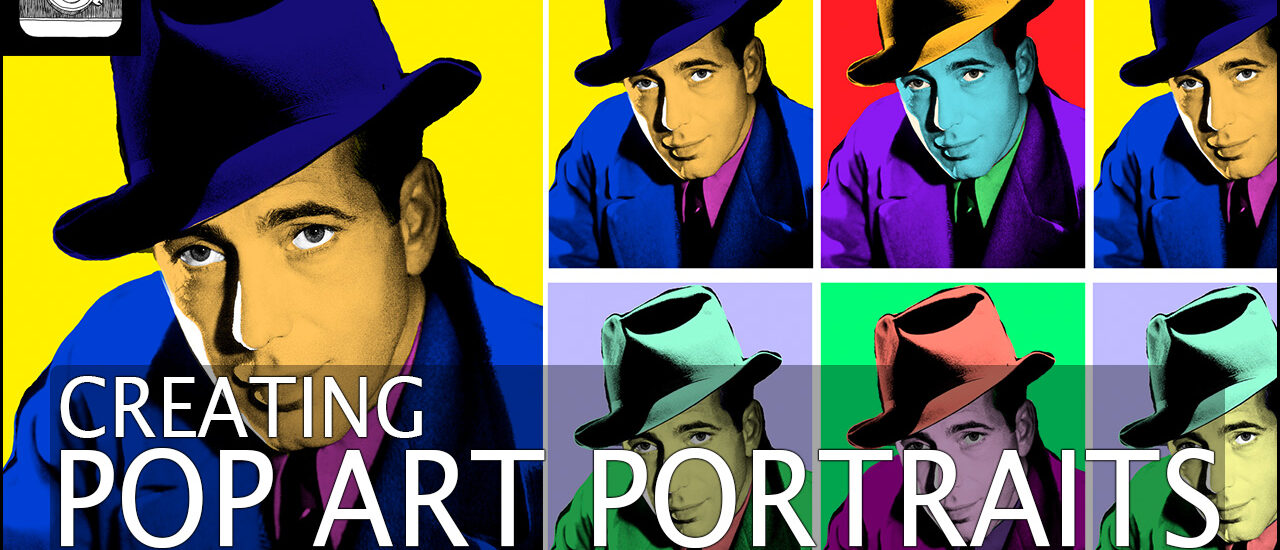
Creating Pop Art Portraits in Photoshop
In this tutorial, I’ll show you how to create the Pop Art effect in Photoshop. We’ll be recreating the Andy Warhol screenprint style using photoshop and portraits. I’ll also show you how to easily duplicate the effect to create several different coloured versions of the same picture. We’ll be covering the following Photoshop techniques: Using quick masks, layer blending modes, using layers to change colours, adding colour overlays, loading images as a stack and much more!
This is a great tutorial and will spice up any portrait! I’d love to see your attempts at this. If you want to show us, tag us on Facebook or Instagram @theschoolofphotography1. Make sure the post is public on FB so we can see it.